
Service
Online store development
An online store is not a display window, it is a working tool for the sales team. A filtered catalogue, a cart and checkout in a few clicks, payment providers, delivery services and a data exchange with your accounting so that stock and prices never drift apart.
What's included
Our work
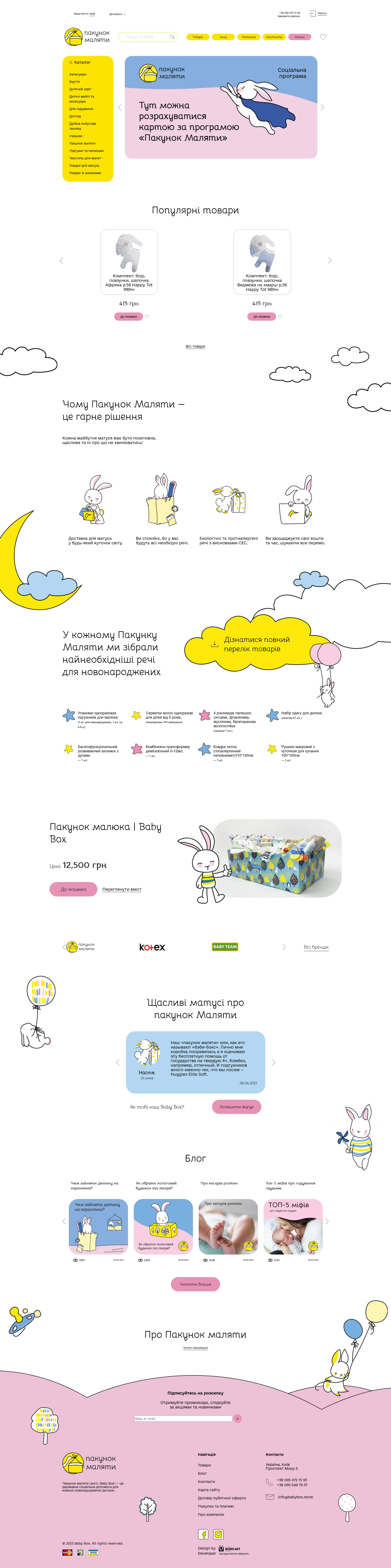
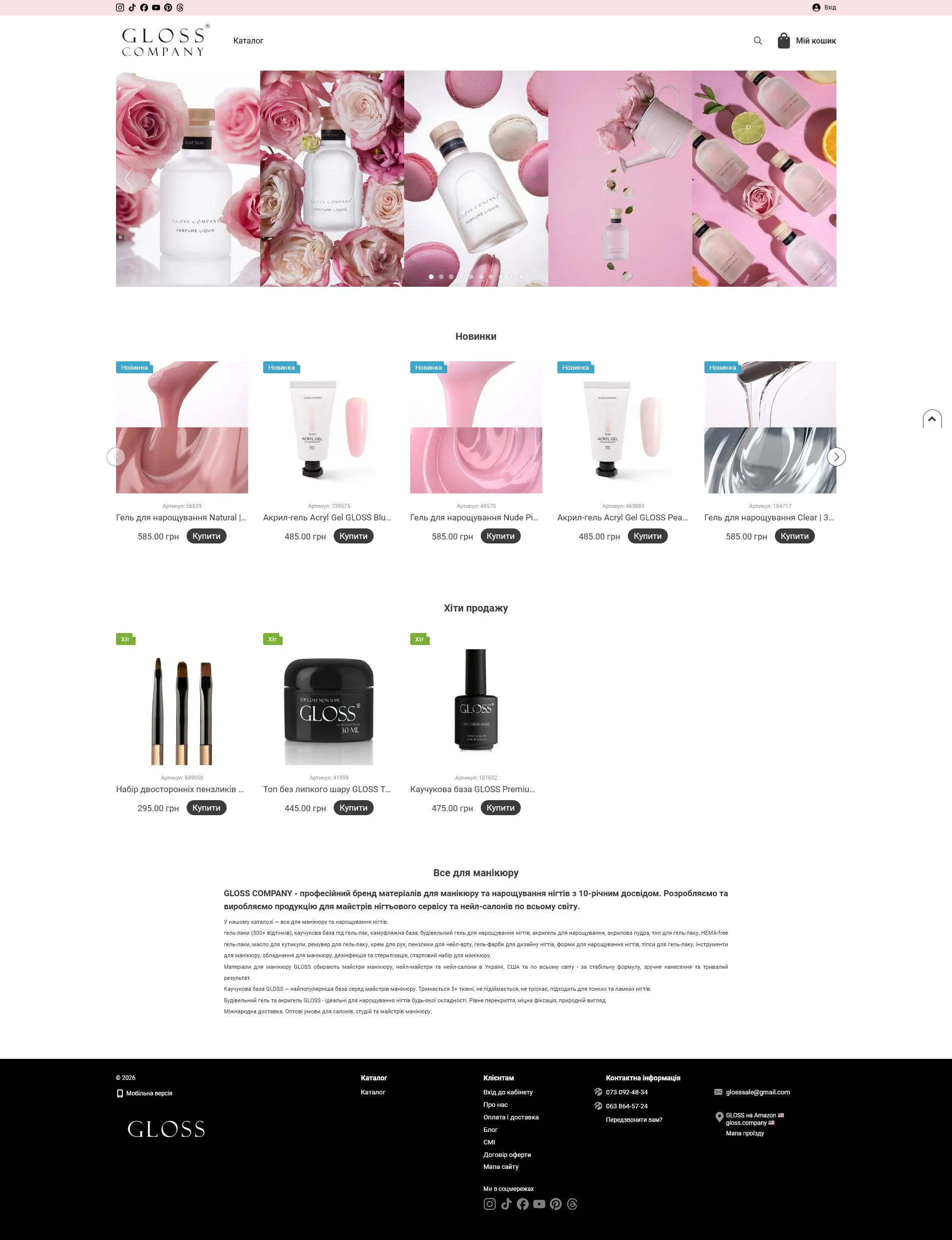
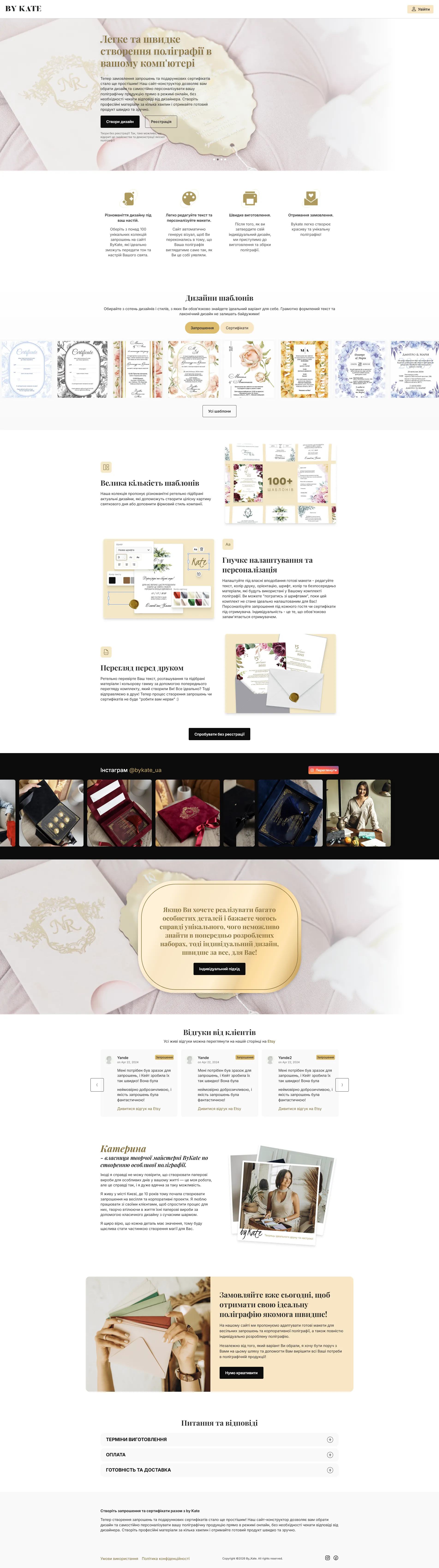
Full portfolio →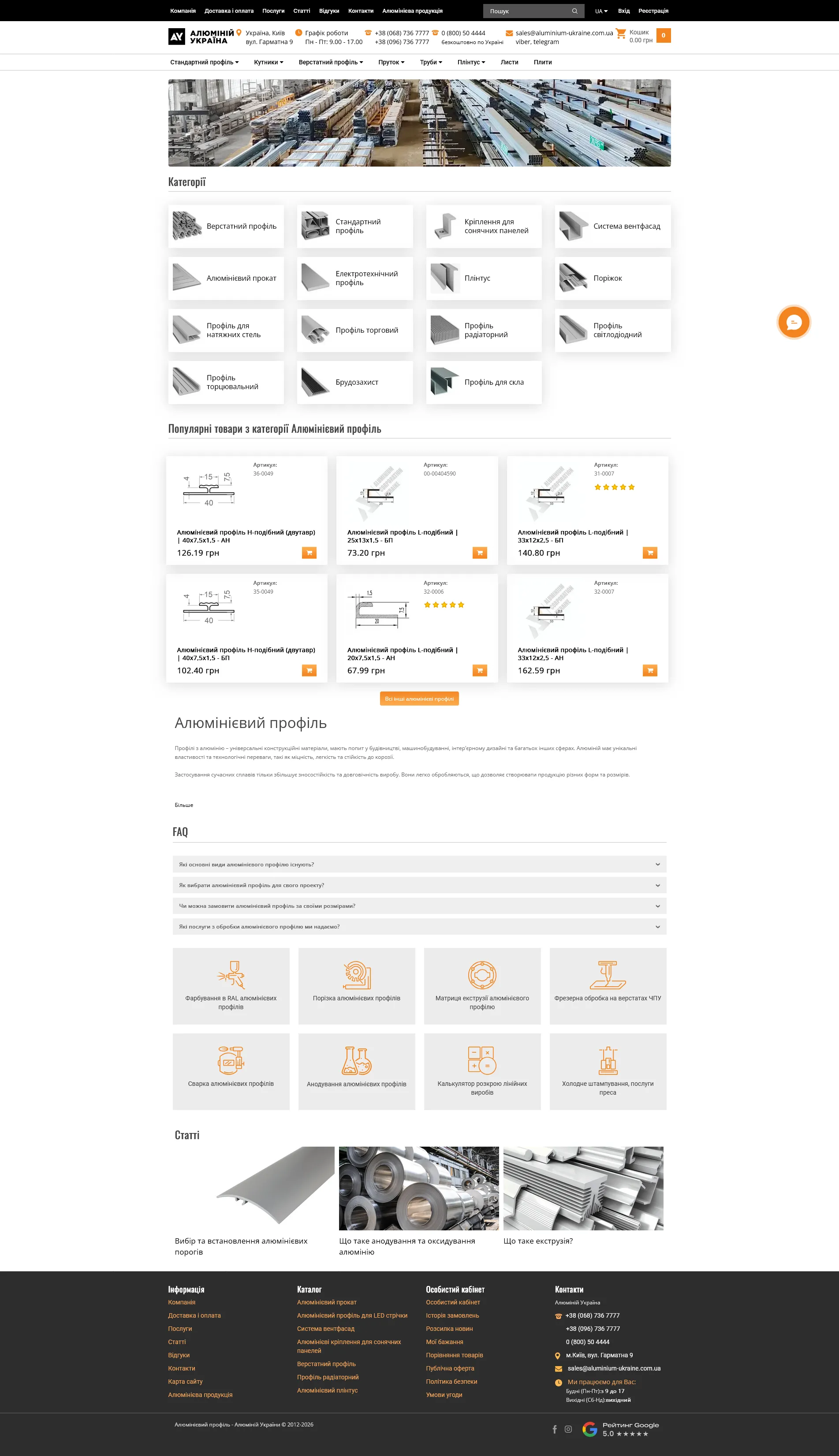
Order an online store
A store starts with the catalogue, not the design. How categories are arranged, which attributes people filter by, what a product card shows — that decides both usability and search positions. A handsome store with a poor catalogue sells worse than a plain one that makes sense.
The second thing that decides everything is what happens after the buy button. Online payment, a delivery cost calculation, an email with the tracking number. Every step where someone has to message you to learn the status is a manager’s time lost.
The third is data exchange with your stock system. If quantities and prices live separately in accounting and separately on the site, they will diverge within the first week. We set the exchange up so that a product you do not have cannot be sold.
It takes 30 days and up. Longer when the catalogue itself has to be put in order — the most common reason schedules slip, and better allowed for at the start than discovered in week three.
Where stores lose money
No filters on the attributes that matter and the buyer leaves for a competitor. We design the catalogue structure before the design stage.
Forced registration and eight form fields eat a share of every order. We keep checkout to a few clicks.
The site sells what the warehouse no longer has. A sync with 1C/BAS or CRM keeps products, prices and stock in one state.
Most people arrive on a phone. Catalogue, filters and cart get tested on real devices, not only in an emulator.
How we build a store
Categories, attributes, filters, and how an order travels from cart to warehouse.
Catalogue, product page, cart, checkout — sketched before design.
Figma mockups of the key screens, desktop and mobile.
Front-end, CMS, payments, delivery, accounting sync, product import.
Test orders and payments, waybill checks, e-commerce analytics.
What makes a store work
Everyone has a cart and a checkout. The difference is in what surrounds them.
Catalogue and filters
Categories arranged the way a buyer thinks, not the way a warehouse is organised. Filters on the attributes people actually choose by — otherwise nobody uses them.
Product card
Variants by size and colour, availability, related items, clear delivery terms. The page that most often becomes the entry point from search.
Checkout
Buying without forced registration, as few fields as possible, a saved cart. Every extra step here costs real money.
Payment and delivery
LiqPay, Fondy or your bank’s acquiring; delivery cost calculation with the tracking number sent by email.
Data exchange
Products, stock, prices and orders sync with your accounting system or CRM. Selling something that is not in stock becomes technically impossible.
Sales analytics
E-commerce tracking in GA4: not just traffic, but which categories and products bring the money.
Frequently asked questions
How long does an online store take?
What do you build stores on?
Can you migrate products from our old site?
Do you set up payments and delivery?
What about 1C or CRM integration?
How many products can the store hold?
Can a store be promoted in search?
How much does an online store cost?
Do you connect marketplaces like Rozetka or Prom?
Who fills the store with products?
Building an online store
A store starts with the catalogue, not the design: how categories are arranged, which attributes people filter by, what belongs on the product page. Usability and search rankings both follow from that. Development takes from 30 days.
Then come the parts without which a store does not work: online payments, delivery rates from Nova Poshta, a data exchange with 1C/BAS or a CRM so stock and prices stay in step between the site and the warehouse. The admin panel is fitted to your process, not to an abstract standard store.