
Service
UI/UX design for web and mobile
We design clear interfaces: user flow, wireframes, UI in Figma, a design system, and a prototype for testing. Aligned with your brand and handoff-ready for developers.
What's included
Our work
Full portfolio →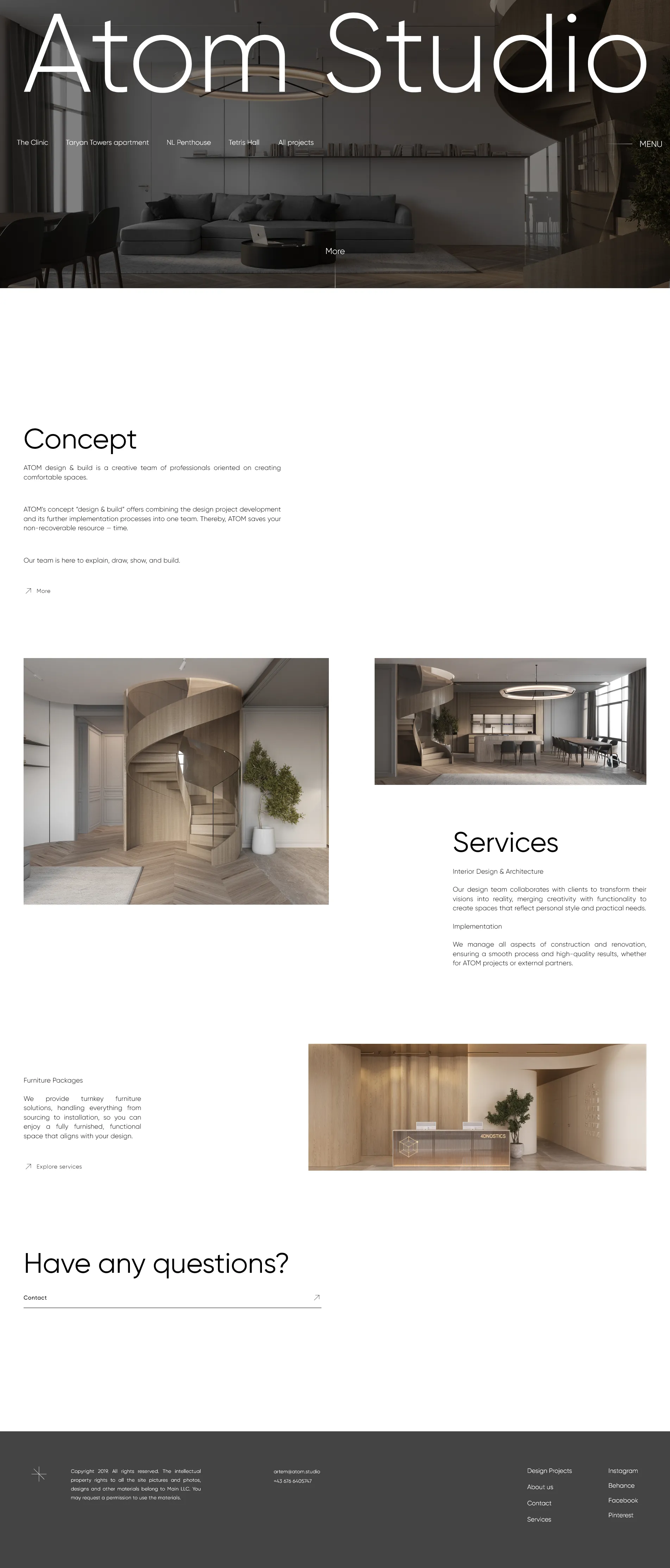
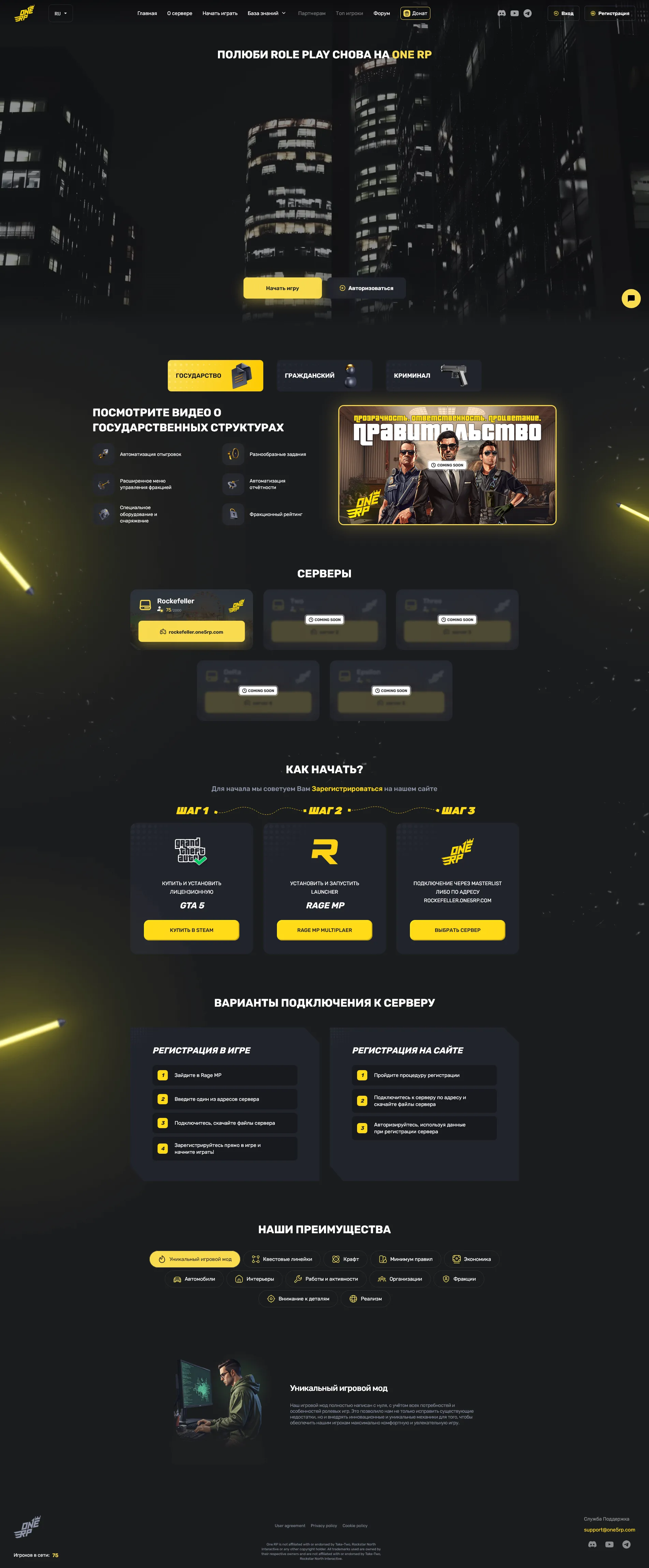
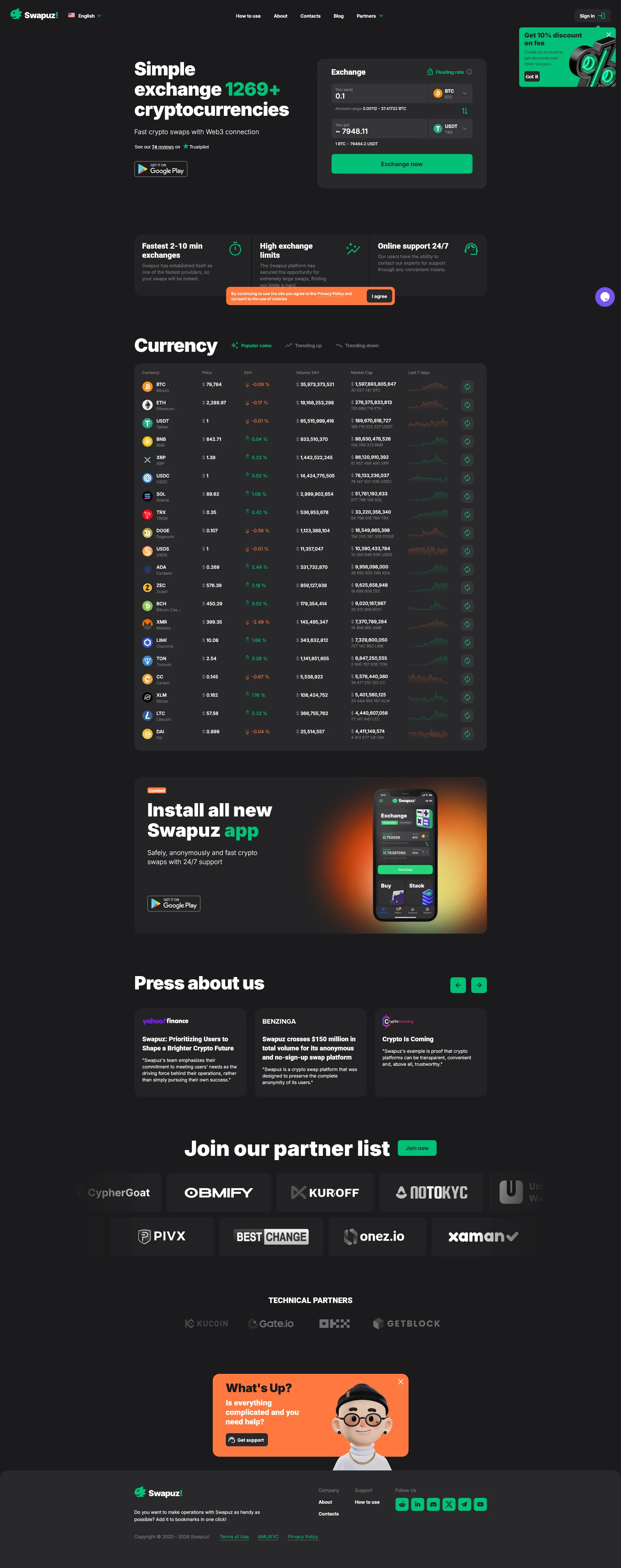
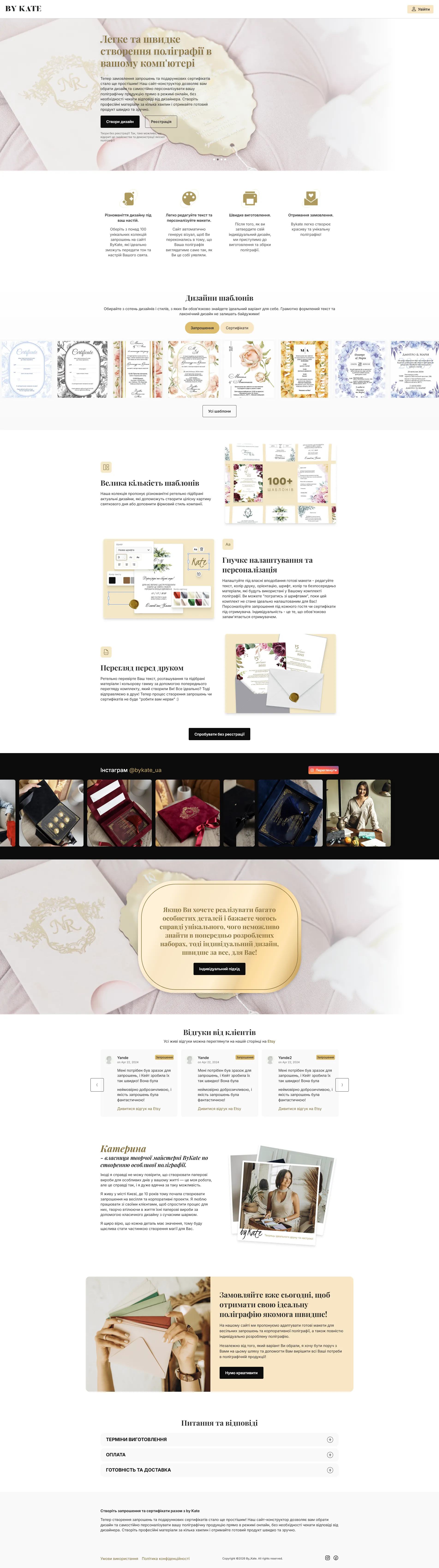
Order UI/UX design for your website
Website design is not about looking good. It is about someone finding what they came for and not leaving halfway. A handsome layout where the order button gets lost among three other accents costs a business more than a plain one where everything is obvious.
We start with structure: which pages are needed, what matters most on each, where every action leads. Changes are cheap at this stage — moving a block in a wireframe costs an hour; in a built page it does not.
Then the Figma layouts: desktop and mobile, states for buttons and fields, empty states and form errors. A developer should not have to invent what a field with an error looks like — otherwise it gets decided at random and differently on every page.
What we hand over is a working file, not a picture: grid, typography, colours and components you can keep building on. When the site grows later, new pages assemble from existing components instead of being drawn from scratch.
Why UX design drives business results
A clear user flow and intuitive interface reduce friction and turn more visitors into customers.
Resolving UX issues at the design stage is 10× cheaper than fixing them after development.
People stay longer, return more often, and recommend products that are genuinely easy to use.
A design system ensures every new screen or feature looks and feels like the same product.
Our design process
We study your business goals, target users, and competitor interfaces to define design principles.
Low-fidelity screens map out structure, navigation, and user flows before any visual styling.
High-fidelity screens in Figma with full visual design, typography, color, and components.
An interactive prototype lets you test the real experience and collect feedback before build.
Developer-ready specs, assets, and a component library so the build matches the design exactly.
What you get
Design is a set of decisions, not a set of pictures. Here is what it consists of in practice.
Wireframe
Page structure and navigation logic without colour or type. The cheapest stage to change and the most expensive one to skip.
Layouts
Desktop and mobile for every page. Mobile is drawn as an equal, not «later, if it works out»: most traffic arrives from phones.
Element states
Hover, pressed, disabled button, field with an error, empty list. The things usually forgotten and later improvised by the developer.
Design system
Colours, typography, spacing and components in one place. A new page is assembled from what exists instead of being drawn again.
Developer handover
A file where sizes, spacing and fonts are visible. The developer neither asks again nor measures a screenshot with a ruler.
Frequently asked questions
What's the difference between UI and UX design?
Do you design for mobile too?
What deliverables will I receive?
Can you redesign an existing product?
How many revision rounds are included?
Do you do design without the build?
Could we take a template and adapt it?
Do you design logos and brand identity?
What do you need from me to start?
How do you check that a design works?
UI/UX design: what affects cost
Interface design is more than pretty screens: information architecture, clear flows, consistent components, and responsive layouts. Landing page design is $200–400, a multi-page site $500–1200, an app $500–1200, a design system from $1500.
Cost depends on screen count, depth of UX research, and whether you need a design system. We work in Figma, deliver specs for developers, and can build an interactive prototype. A standalone UX audit is $300–700 in 7–14 days.